Proxmox VE 8 Reaches End of Life August 31 — Start Your Upgrade Now
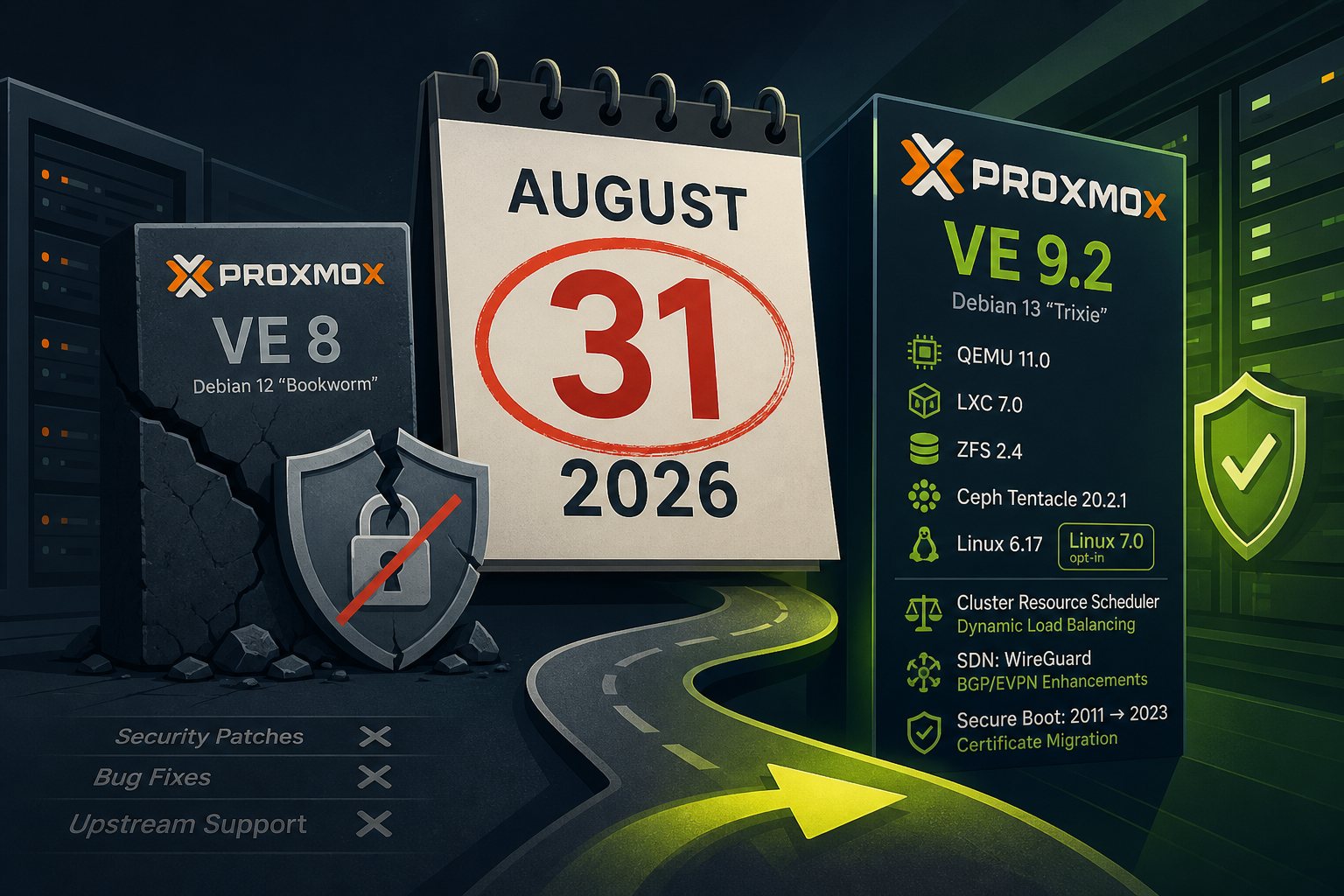
If you're running Proxmox VE 8 on any production server, mark August 31, 2026 on the calendar right now. That's the day Proxmox GmbH officially closes standard support for the PVE 8 series — meaning no more security patches, no bug fixes, and no upstream help. After that date, any vulnerability discovered in the virtualization stack, the bundled kernel, or any included component goes unpatched on PVE 8 systems. A hypervisor running without security updates isn't a calculated risk; it's a liability that compounds daily.
PVE 8 launched in June 2023, built on Debian 12 "Bookworm." Three years of solid service — wide hardware support, stable Ceph integration, predictable release cadence. But Debian 12's lifecycle is winding down, and PVE 8 goes with it. The replacement has been available since August 2025 and is now on its second point release.
What You're Upgrading To
The current release is Proxmox VE 9.2, shipped May 21, 2026, built on Debian 13 "Trixie." The stack refresh is real: QEMU 11.0, LXC 7.0, ZFS 2.4, and Ceph Tentacle 20.2.1 as the new default. The kernel ships at 6.17 by default, with Linux 7.0 available as an opt-in for those who want it ahead of it becoming the default.
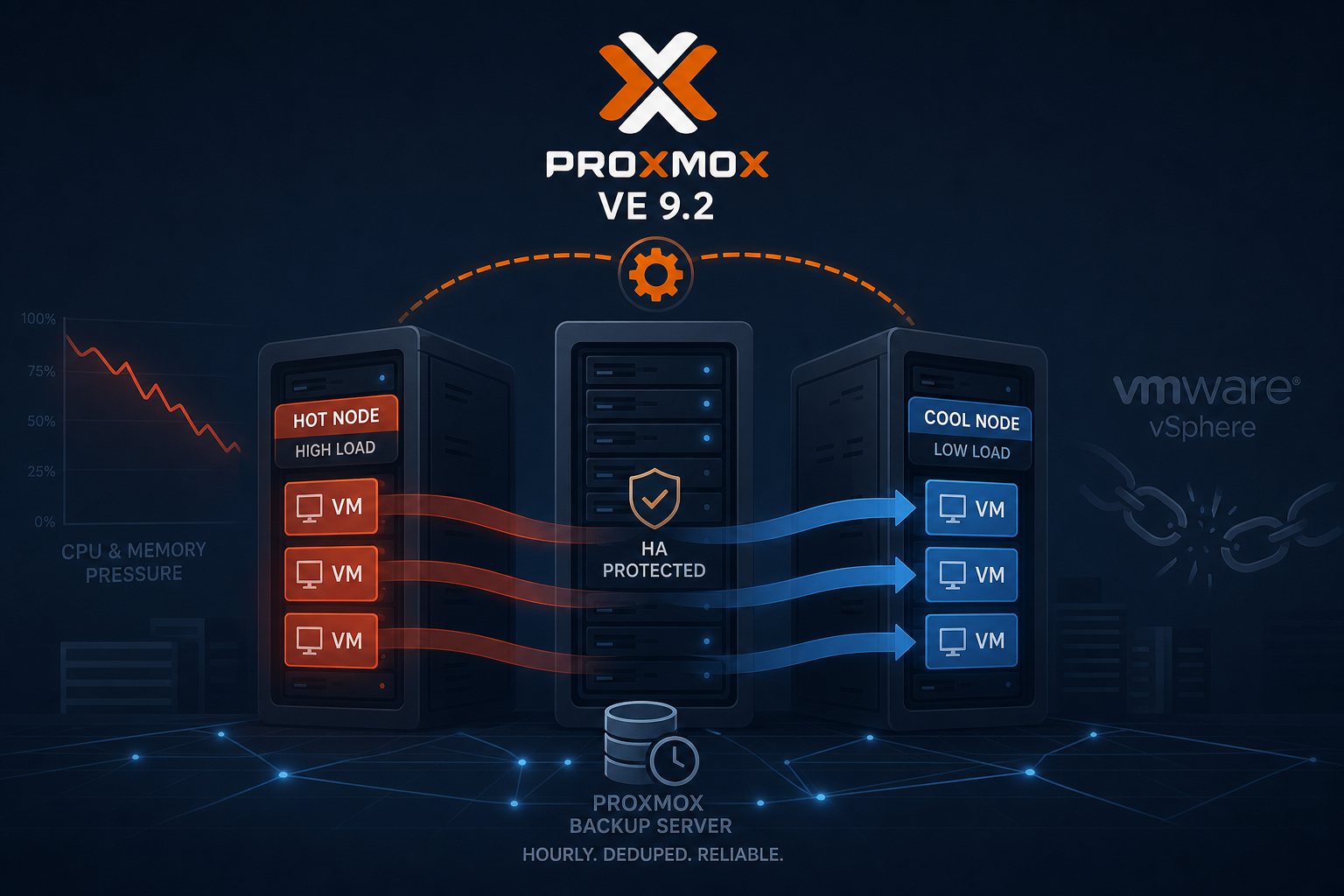
The most operationally useful addition in 9.2 is the Cluster Resource Scheduler gaining true dynamic load balancing. It now uses real-time node and guest utilization metrics to automatically migrate HA-managed guests when a node gets lopsided — no manual intervention required. If you're running a multi-node cluster, that capability alone justifies the upgrade work. The SDN layer added WireGuard as a fabric protocol and expanded BGP/EVPN filtering with route maps and prefix lists. Secure boot received a workflow for migrating from the aging Microsoft 2011 certificates to 2023 certs, which anyone running signed boot will eventually need.
Before You Touch a Repository
The PVE 8→9 path is an officially supported in-place distribution upgrade — no reinstall, but not zero-risk either. Several things need to be in order before you change a single apt source.
- Get to PVE 8.4.9 first. The upgrade checklist tool requires 8.4.1 or later. Run
apt update && apt dist-upgradeon your existing install and confirm withpveversion. - Run
pve8to9 --fulland clear every warning. This tool exists to catch the things that will break the upgrade. Do not skip it or wave off its output. - Take and verify backups. Not "make backups" — restore at least one VM to confirm it actually works before proceeding. Upgrading a hypervisor against untested backups is not a plan.
- Audit your containers. cgroup v1 is gone in PVE 9. Very old containers — CentOS 7, Ubuntu 16.04 — will not function after the upgrade. Migrate them to a supported distro first, or accept losing them.
- Ceph clusters only: upgrade to Ceph 19.2 Squid before touching the host upgrade. Running mixed Ceph versions across cluster nodes during the host upgrade is a reliable path to data unavailability.
The Upgrade Sequence
Once pve8to9 --full comes back clean, the mechanics are straightforward — but they deserve a maintenance window and a working console, not a late-night five-minute task.
- In a cluster, migrate all guests off the target node first. Upgrade one node at a time. Never the entire cluster simultaneously.
- Switch your APT repositories from
bookwormtotrixiein/etc/apt/sources.listand the Proxmox-specific entries under/etc/apt/sources.list.d/. - Run
apt update && apt dist-upgrade. Budget 30 minutes to two hours depending on the system and connection speed. - Do not run this through the noVNC web console. Use IPMI, a physical console, or SSH inside
tmuxorscreen. A dropped browser session mid-upgrade is recoverable in theory and miserable in practice. - Reboot into the new kernel when the upgrade completes. Verify with
pveversionand confirm all cluster services are healthy before migrating guests back.
Three Gotchas That Bite People
Network interface renaming. The new kernel may detect hardware features the old one missed, which can cause predictable interface names to shift. Run pve-network-interface-pinning before the upgrade to lock your current names in place. Discovering your network config is wrong after a reboot on a remote server is not fun.
LVM thin pools. Autoactivation behavior changed for new volumes in shared-LVM setups. Existing volumes keep their old behavior, but post-upgrade storage pool errors are common enough to be worth knowing about. Check thin pool status manually if something looks off before assuming corruption.
PCI passthrough. GPU and other passthrough configurations may require kernel pinning adjustments on the new kernel. If passthrough is critical to your workloads, test it in a non-production environment first if you have any way to do so.
Thirty Days Goes Fast
August 31 sounds comfortable until a production incident eats a week of the calendar. Running pve8to9 --full on a complex cluster can surface issues that take a day to resolve. Container migrations take time. Backup verification takes time. Scheduling an upgrade window across a multi-node cluster with running guest workloads takes coordination. Start now, not the week of the 31st.
At Falcon Internet, hypervisor lifecycle tracking is part of what our 24x7x365 NOC monitors — EOL dates on infrastructure don't sneak up on systems we operate. If you're running PVE 8 and the upgrade looks daunting, start with pve8to9 --full. It gives you an honest, specific list of what's blocking you and nothing else.