UpdraftCentral key theft: WP-CLI checks for rogue plugins and admins
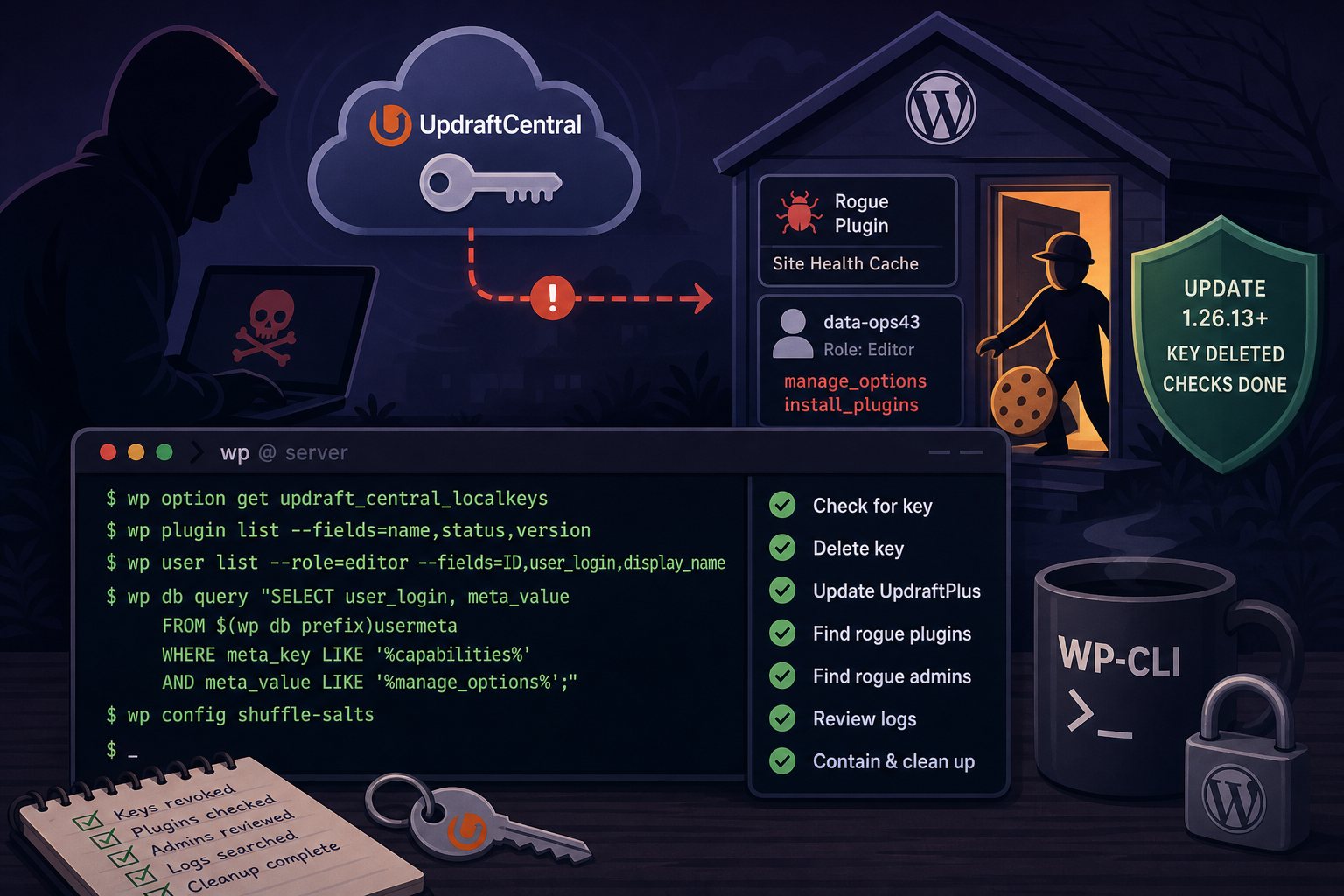
TeamUpdraft, the company behind UpdraftPlus, found an intruder on teamupdraft.com over the weekend of October 17 and 18. The customer database the attacker reached held connection keys for UpdraftCentral, UpdraftVault and UpdraftClone. Patchstack recorded the first backdoor install made with a stolen UpdraftCentral key at 15:32 UTC on October 18 and the last at 09:23 on October 19. It counted 99 distinct names for the malicious plugin.
The commands were signed with real dashboard keys, so UpdraftPlus accepted them as legitimate. Updating to 1.26.13 (free) or 2.26.13 (Premium) disconnects the old cloud UpdraftCentral connections, but it does not remove a plugin or user account that was already planted. This guide walks through the checks with WP-CLI from a shell, which scales to dozens of sites on one server. The same steps apply after any remote management service (ManageWP, MainWP, InfiniteWP and similar) loses its keys.
How the backdoor worked on connected sites
The attacker sent a signed plugin.upload_plugin command over the UpdraftCentral RPC channel as a plain POST to the site root. WordPress installed and activated the plugin through its normal installer. Per Patchstack and Nethemba, the plugin checks every request for a query parameter shaped like _9f5696= carrying a 32-character token. When it matches, it creates a user (confirmed names include data-ops43 and media-staff96, display name "Site Tools") with the Editor role, then adds the manage_options and install_plugins capabilities. It logs that user in with a persistent cookie, which skips the login form, two-factor prompts and login rate limits.
The account survives removal of the plugin. Editors also hold unfiltered_html, so the account can put JavaScript into posts. Early samples had a fatal error and returned HTTP 500 on uncached pages; a later version could create a full administrator or log in as an existing one.
Sites are exposed if they ran UpdraftPlus with a key for TeamUpdraft's cloud UpdraftCentral. Self-hosted UpdraftCentral was not affected. Logging in to a teamupdraft.com account from inside UpdraftPlus shows an "add this website to UpdraftCentral" checkbox that is ticked by default, so sites used only for backups can still hold a key. TeamUpdraft has also asked Premium users who never used UpdraftCentral to check their sites.
Run WP-CLI as the site owner
Run every command below as the Unix user that owns the site, not as root. On a server with many sites, loop over the document roots:
for d in /home/*/public_html; do
  owner=$(stat -c %U "$d")
  echo "== $d"
  sudo -u "$owner" wp --path="$d" plugin get updraftplus --field=version 2>/dev/null
done
Adjust the glob to your layout (/var/www/*/htdocs, /chroot/home/*/html and so on). Any site that prints a version number goes on the list for the next steps.
Step 1: check for a stored UpdraftCentral key
wp option get updraft_central_localkeysPatchstack's guidance is that any output means the site is exposed. An error saying the option does not exist means no key is stored now, but a key may have been present during the attack window, so continue with the plugin and user checks anyway.
Step 2: delete the key and update the plugin
Delete the key before you touch anything else. Removing the site from the UpdraftCentral dashboard does not delete the key on the site.
wp option delete updraft_central_localkeys
wp plugin update updraftplus
wp plugin get updraftplus --field=version
Confirm the version is 1.26.13 or later for the free plugin. Premium copies update through UpdraftPlus's own updater and should report 2.26.13 or later; if WP-CLI cannot pull the update, install the Premium zip from your TeamUpdraft account. The earlier 1.26.12 and 2.26.12 releases were meant to revoke the keys but a bug stopped them, so do not stop there. Sites still below 1.26.5 or 2.26.5 are also open to CVE-2026-10795 (CVSS 8.1), a command-forgery flaw in the same channel that was fixed in June.
Step 3: find the backdoor plugin
Every sample Patchstack analyzed carried the same plugin description. Search for it across all sites at once:
grep -rl "Small maintenance toolkit: keeps option storage tidy" /home/*/public_html/wp-content/plugins/Then list what each site has installed, including must-use plugins and drop-ins, which the Plugins screen lists under separate tabs:
wp plugin list --fields=name,status,version
wp plugin list --status=must-use
wp plugin list --status=dropin
wp plugin verify-checksums --all
verify-checksums compares files against the WordPress.org directory. Plugins sold outside the directory will report that checksums could not be retrieved; that is expected for commercial plugins, but any unfamiliar plugin in that list needs a closer look. "Site Health Cache" was the name the attacker reused most. The other 98 names were random two- and three-word combinations such as "Query Shelf" and "Speed Desk", so treat any plugin name you do not recognize as suspect.
Plugin directories created during or after the attack window are another lead:
find wp-content/plugins wp-content/mu-plugins -maxdepth 1 -type d -newermt 2026-10-17Step 4: find Editors with administrator capabilities
WordPress stores per-user capabilities as a serialized array in wp_usermeta. A normal Editor does not have manage_options, so this query returns every account that holds it, with the role visible next to it:
P=$(wp db prefix)
wp db query "SELECT u.ID, u.user_login, u.user_email, u.display_name, u.user_registered, m.meta_value
FROM ${P}users u JOIN ${P}usermeta m ON m.user_id = u.ID
WHERE m.meta_key = '${P}capabilities' AND m.meta_value LIKE '%manage_options%'
ORDER BY u.user_registered DESC;"
A row whose meta_value contains "editor" and "manage_options" together is the pattern this backdoor creates. Also look for accounts registered on or after October 17, display names such as "Site Tools", "System Team" or "Web Tech", and email addresses at example.org or example.com (reports differ on which). Check the option the backdoor leaves behind:
wp option list --search='*_sync_token' --fields=option_nameStep 5: search access logs for the trigger request
The activation request carries a parameter whose name starts with "_" and whose value is a 32-character token. This pattern will match it in Apache or nginx combined logs:
zgrep -E '[?&]_[0-9a-f]{4,8}=[A-Za-z0-9]{32}' /var/log/nginx/access.log*
zgrep -E '43\.250\.53\.42|2a09:bac5:4e21:2e3c::49b:9' /var/log/nginx/access.log*
Patchstack published those two IP addresses but warns that they are not a reliable control; the attacker can change them. A hit on the token pattern is more meaningful than the absence of the IPs.
Step 6: contain a confirmed backdoor in this order
- Confirm the UpdraftCentral key is deleted (Step 2).
- Deactivate the plugin and move it out of the web root. Do not uninstall it; you want the files for review.
wp plugin deactivate site-health-cache mkdir -p ~/quarantine && mv wp-content/plugins/site-health-cache ~/quarantine/ - Delete the
_sync_tokenoption found in Step 4 and the rogue account, assigning its content to a known administrator (ID 1 here):wp option delete <option-name-from-step-4> wp user delete data-ops43 --reassign=1 - Invalidate every login cookie. The backdoor relies on a persistent cookie, so new salts are required:
wp config shuffle-salts - Change every administrator password and turn on two-factor authentication.
- Look for scripts added to content by the Editor account:
wp db query "SELECT ID, post_title, post_modified FROM $(wp db prefix)posts WHERE post_content LIKE '%<script%' AND post_modified >= '2026-10-17';" - Re-authorize remote backup storage and rotate the storage access keys (S3, Backblaze, Google Drive and so on), as TeamUpdraft advises for any site reached through UpdraftCentral.
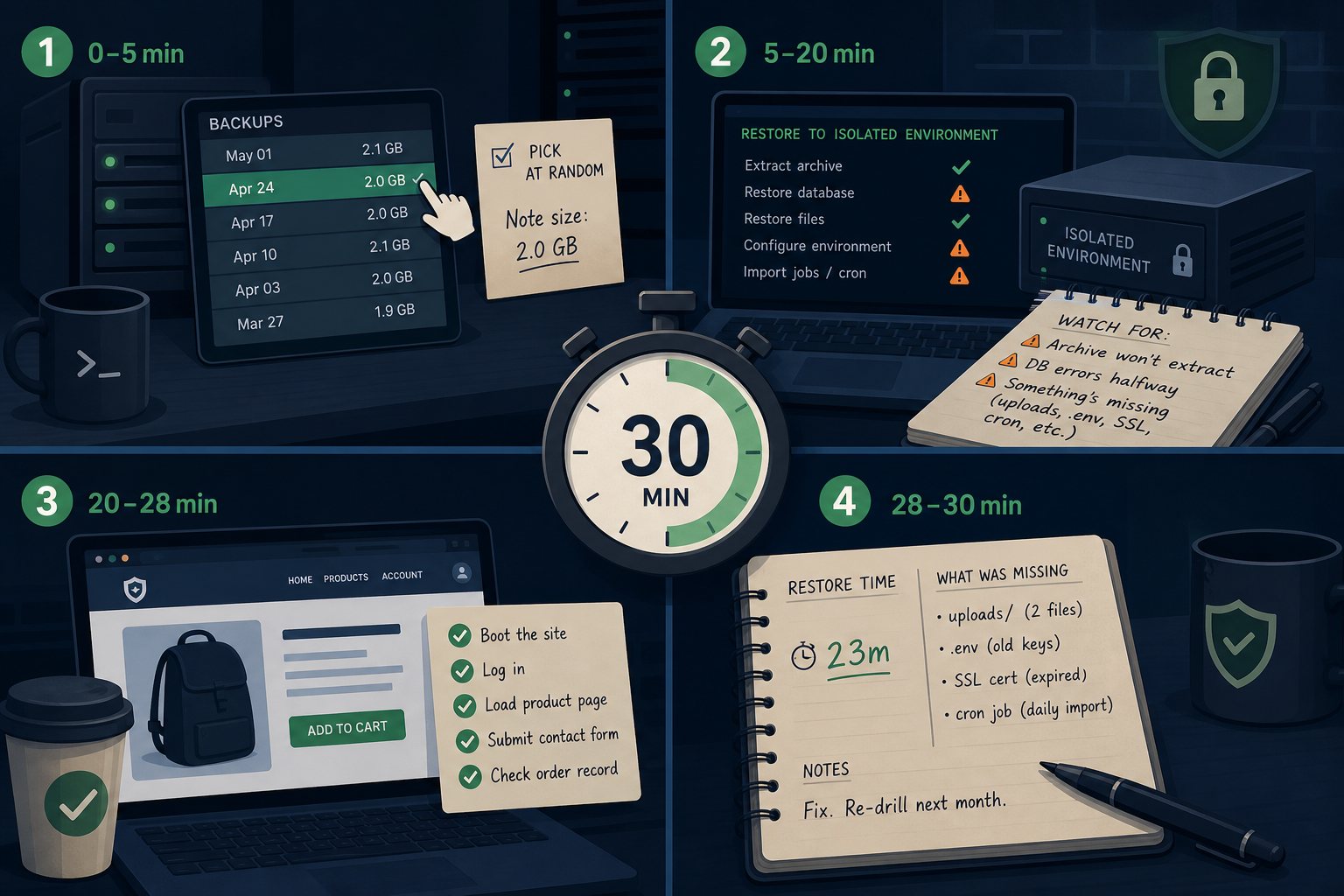
Patchstack's position is that a site with the account or the trigger in its logs should be treated as fully compromised. A backdoor that can install plugins can leave other files behind, so a restore from a backup taken before October 17 is the safer path than file-by-file cleanup. Restore to a staging copy first, run Steps 3 and 4 against it, and then swap it in.
Mistakes that leave a site exposed
- Updating UpdraftPlus and assuming the job is done. The update revokes old keys; it does not remove what they installed.
- Fixing the plugin that throws HTTP 500. Patchstack notes that repairing the fatal error activates the backdoor.
- Deleting the plugin before the account. The account and its cookie keep working after the plugin is gone.
- Skipping the must-use plugins directory,
wp-content/mu-plugins. - Reconnecting UpdraftCentral with an administrator key. If you need remote management again, Patchstack recommends creating the key under an account that lacks
install_plugins. - Restoring a backup without checking its date. Anything taken on or after October 18 may contain the backdoor.
Keep a dated backup history long enough to reach behind an incident window like this one. We retain multiple restore points per site for that reason and run checks like the user query above across customer servers during incidents. Anyone with a teamupdraft.com account should also change that password and reset two-factor settings in My Account, since password hashes and 2FA settings were in the same database.